
Back
Updated at: August 10, 2026
When and How to Use AI Integration in UX

AI purposefully made a "wow" impression when it first entered the design field, but with the excitement came the knowledge that not all integrations genuinely enhanced the user experience.
All too frequently, AI becomes a pushy advisor or a pointless accessory. Therefore, discussing purposeful AI in UX—systems where AI aids without being overbearing—is essential.
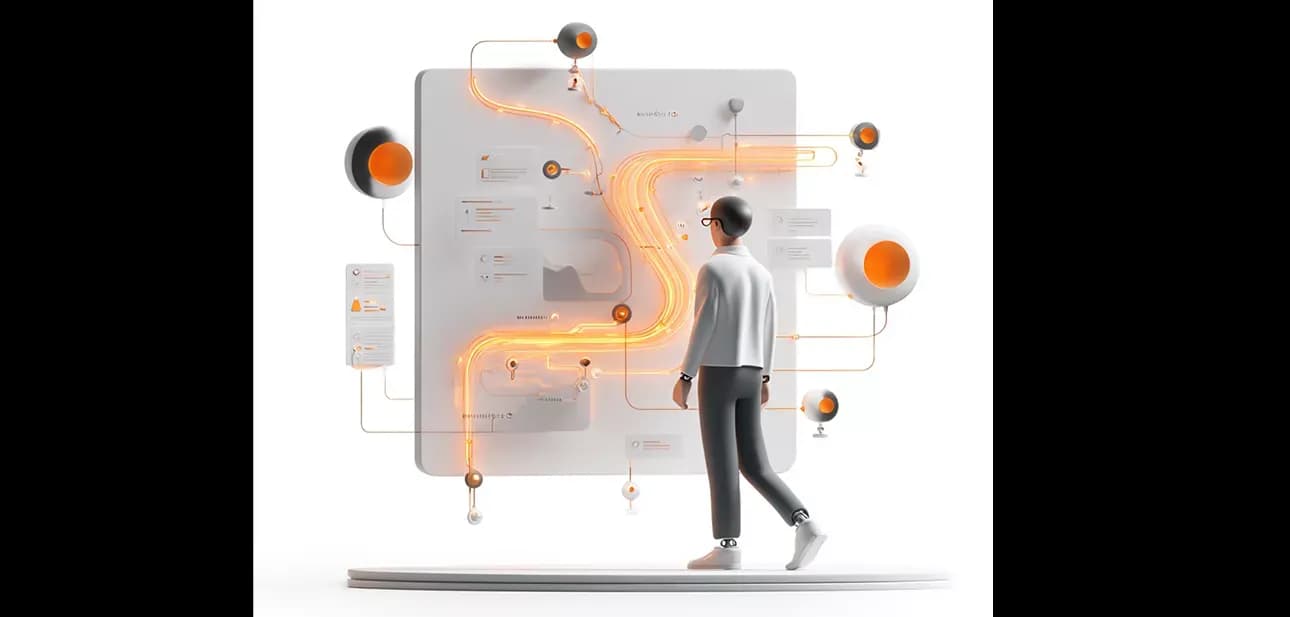
Purposeful AI Integration: For Value, Not Hype
The most important question to consider before integrating AI into an interface is what the user will gain. AI should not be used for "decoration"; rather, it should be used to solve practical problems, save time, and lessen cognitive burden. The fundamental idea is that AI should be used as a companion, not as a panacea. It helps, clarifies, and makes suggestions, but it never takes away the user's decision.
💡 Advice for UX designers: AI needs to allow for user input. Instead of replacing user actions, provide options.
Methods for Integrating AI and Typical Mistakes
|
Methodology |
What to Do |
Hazards and Solutions. |
|
Begin modestly. |
Include input help, context analysis, and autocomplete. |
Avoid bloating the UI by not shipping everything at once. |
|
A human in the loop |
Allow AI to assist, but make sure decisions are confirmed by users. |
Give justifications and a simple method for declining |
|
Openness |
Explain the rationale behind an AI recommendation. |
Keep it brief; don't use too much text. |
|
Reverse & Undo |
Give users the option to reverse or avoid AI actions |
Without undoing, trust rapidly erodes. |
UX 3.0: AI and Humans Working Together
In the new era of user experience known as UX 3.0, interfaces are no longer merely "screens," but rather dynamic systems that change and respond to their users.
AI is a companion, helper, and guide, but the human is still at the center.

Essential elements of UX 3.0:
- Context: the interface changes according to behavior, time, and device.
- Cooperation: AI and humans jointly produce the result.
- Evolution: as time passes, the interface gains knowledge and adapts.
- Transparency: users are aware of the reasons behind the system's actions.
UX 3.0 is an experience ecosystem rather than an interface.
Data, AI, emotions, and user objectives are all combined into one cohesive whole.
Instances of UX 3.0 in operation
Generative Interfaces: A Living User Interface
Systems that dynamically generate layouts, components, and elements for a particular user are known as generative user interfaces. They adjust the visual layer to the individual by analyzing goals, context, and behavior. As an illustration, an analytics dashboard reorganizes widgets according to the data that a user views the most frequently. Product card layouts are altered by an e-commerce platform to accommodate a customer's browsing preferences.
Interface Approach Comparison
|
The standard |
Traditional UI |
Generative UI |
AI-Powered User Experience |
|
Who creates the user interface |
Designer, manually |
AI creates and adjusts |
The designer establishes limitations. AI customizes |
|
Adaptability |
Not moving |
Modifications "on the fly" |
Adjusts within predetermined boundaries |
|
Openness |
Complete control over the designer |
The black box |
Balance: user feedback, and explainability |
|
Scalability |
Manual and slow |
Automated |
Hybrid: human supervision and management |
Vital: Generative user interface needs bounds. AI adjusts to the rules that are established by the designer.
Hazards and Difficulties
- Hallucinations and mistakes: always allow for human error and a simple fix.
- Privacy: AI should operate on data that has been anonymised or adequately safeguarded.
- Trust: elucidate the rationale behind the system's suggested choice.
- Implementation complexity: proceed incrementally rather than all at once.
How to Begin Including AI in User Experience
- Find a genuine user issue rather than a trendy feature.
- Make a pilot version (one screen or functionality).
- Test with users and get their opinions.
- Include an undo/fallback path and explanations.
- Monitor behavior, examine logs, make adjustments, and get better.
Advice: You don't need an AI feature if it doesn't provide noticeable benefits to users. UX is harmed by AI for AI's sake.
In conclusion
A new stage—a collaboration—between AI and UX is beginning. Flexible, adaptable, and human-centered products are made possible by generative interfaces, UX 3.0, and intentional integration. The most important lesson is that technology shouldn't set the rules. The human should be amplified.
Summary:
The integration of AI into user experience (UX) design has transitioned from initial excitement to a more discerning application that prioritizes genuine user benefits. AI should enhance rather than complicate the user experience, serving as a companion that assists users without overwhelming them. Designers must ensure that AI solutions address practical problems and reduce cognitive load while allowing for user input and decision-making. The concept of UX 3.0 emphasizes a dynamic, cooperative relationship between AI and humans, where interfaces adapt based on user behavior and context. Generative user interfaces exemplify this approach by customizing layouts and elements according to individual user preferences and interactions. However, successful AI integration must avoid pitfalls such as unnecessary complexity, lack of transparency, and diminished trust, which can arise from poorly designed systems. To implement AI effectively, it is essential to identify real user needs and create pilot versions for testing and feedback. Maintaining user control through features like undo options and clear explanations of AI actions is crucial for building confidence in the technology. Ultimately, the goal is to foster a collaborative environment between AI and users, where technology enhances human capabilities rather than dictates them. This evolving landscape promises a more adaptable and human-centered approach to design, underlining the importance of thoughtful AI integration in UX.
Read also:



AIintegration
UXdesign
UX3.0
humanAIcollaboration
purposefulAI
AIUXstrategy
generativeinterfaces
userexperience
AIinproductdesign
adaptiveUI
AIassistant
UXinnovation
AIUXtrends
AIanddesign
ethicalAI
AIusability
humanmachineinteraction
AIforUXdesigners
UXbestpractices
AIUXpartnership
AIuserjourney
smartinterfaces
AIUXresearch
AIinUIdesign
UXfuture
AIproductdevelopment
AIUXexamples
AIUXworkflow
usercenteredAI
AIUXbalance


Head Office: We Develop IT
LLC 1191 Lula Ln
Franklin, TN 37064
Services
Process
Portfolio
Testimonials and Team
Awards and Trends
Blog and news


