
Back
Updated at: July 12, 2026
Why Do Apps Keep Asking for Permissions? What You Really Need to Know.”
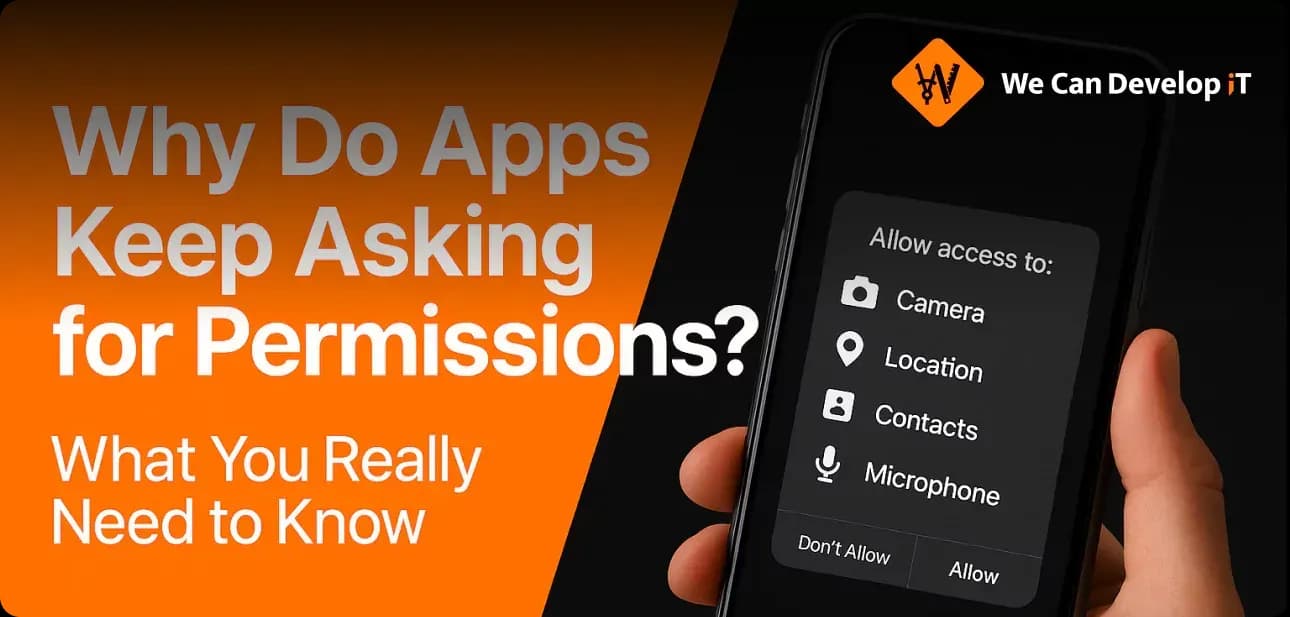
How the permission system works, what it threatens your privacy with, and what to do about it in 2025
In 2025, most users perceive requests from applications as something ordinary: access to the camera, geolocation, contacts - everything by default. But behind this "by default" often lie much more serious issues: the collection of personal data, hidden tracking, potential vulnerabilities. Even verified applications from official stores can abuse trust.
So why do apps continue to request access to device features, even if everything seems to have already been granted? How can you distinguish a legitimate request from an unnecessary one? And is it even possible to control what the programs installed on your device are doing?
In this article, we will explain how the permission system works, what has changed in the latest versions of Android and iOS, and what this means for regular users, developers, and businesses.
What are permissions and why are they needed?
Permissions are a mechanism of the operating system that allows controlling applications' access to sensitive functions and data. This is part of the security architecture.
There are three main categories of permissions:
-
Normal permissions - do not pose a significant risk (e.g., internet access) and are granted automatically.
-
Dangerous permissions - require user consent (e.g., camera, location, contacts).
-
Special permissions - pertain to system functions (e.g., displaying over other windows, battery management) and are configured manually through settings.
These mechanisms are part of the security system, but much depends on the application itself and its behavior.
Why do apps keep asking for them?
Legitimate reasons
-
A navigation app won't be able to show the route without access to your location.
-
Access is requested on demand: you turn on the camera - the app asks for permission.
-
Some permissions can be configured precisely: access only while in use, separately for Bluetooth and GPS, etc.
Simply put: applications have not become more curious - the system has become more transparent and demanding.
Less obvious and suspicious reasons
-
Advertising SDKs and trackers can use access to the microphone, contacts, and geolocation.
-
Some developers request permissions "just in case" - for future features or in case the functionality expands.
-
Device identifiers, Wi-Fi, application lists - all of this can be used for tracking.
Real cases of old versions of popular apps
-
In its early versions, TikTok collected clipboard data and had extensive access to geolocation.
-
Xiaomi recorded voice activity even with the screen off.
-
Zoom accessed the microphone and camera outside of conferences.
How can a user stay vigilant?
“Praemonitus praemunitus” - forewarned is forearmed.
Only specific steps and nothing extra:
-
Check what permissions you have granted to the installed applications.
-
Delete the apps you haven't used in a long time.
-
For location access, choose "only while using the app."
-
If the app asks for too much - look for an alternative.
-
Use trusted controller apps: DuckDuckGo App Tracking Protection , AdGuard and others. They will help you not get confused and bring order.
What is important for developers
What rules and principles should be followed to maintain user trust, ensure the stable operation of the application, and avoid being banned by Google Play or the App Store?
-
Request access only when it is truly necessary.
-
When installing, request only the truly necessary minimum.
-
Explain to the user why the permission is specifically needed. Transparency and predictability are everything to us.
-
Take refusals into account and offer alternatives. The application should work correctly even without some permissions.
Technologies worth using:
-
Scoped Storage (Android) - access to files through restricted areas.
-
Storage Access Framework - access through system dialogs.
-
PhotoPicker (iOS) - selection of individual photos without access to the entire gallery.
Conclusion: what to do?
Comfort and enjoyment in using the application is a mutual contribution from both developers and users.
Therefore:
-
If you are a user, don't be lazy to read and understand what the application is requesting and whether there is any rational basis for it.
-
If you are a developer, maintaining a high standard of quality and user trust will be aided by the reasonableness and transparency of your application's requests.
If you are developing a mobile application or want to optimize an existing one, we will help you do it properly. We at We Can Develop IT keep up with the latest requirements of Android and iOS, adhere to store policies, consider user experience, and build permission architecture according to the best practices of 2025.
Contact us - and your product will be not only user-friendly but also safe for users.
Summary:
The article discusses the ongoing issue of application permission requests and their implications for user privacy. It explains that while many users accept these requests as normal, they can pose significant risks, including personal data collection and hidden tracking. Permissions are categorized into normal, dangerous, and special types, each with varying degrees of risk and control. Apps may request permissions for legitimate reasons, such as enabling specific features, but they can also do so for less transparent motives, like tracking user behavior. Historical examples illustrate how some popular apps have misused permissions in the past. To protect their privacy, users are encouraged to regularly review the permissions they grant, delete unused apps, and limit access to sensitive features. Developers are advised to request permissions judiciously and transparently, ensuring that their applications can function adequately without excessive access. Maintaining user trust hinges on the clarity of permission requests and the necessity behind them. The article emphasizes the collaborative effort required from both users and developers to create a secure and enjoyable application experience. It concludes by offering assistance for optimizing mobile applications in line with current best practices.
Read also:




apppermissions
dataprivacy
smartphonesecurity
Android2025
iOS2025
apptracking
mobileprivacy
userdata
permissionsystem
locationaccess
camerapermission
contactpermission
appsecurity
privacysettings
digitalrights
cyberhygiene
appdevelopers
appstorepolicy
scopedstorage
photopicker
storageaccessframework
mobileappsafety
apptrackingprotection
apppermissionsguide
datasecurity2025


Head Office: We Develop IT
LLC 1191 Lula Ln
Franklin, TN 37064
Services
Process
Portfolio
Testimonials and Team
Awards and Trends
Blog and news


